
Blog
FLUX 2 MAX Prompt Guide: Structure Prompts Like a Production Art Director
By MetaHill Tech · October 10, 2026
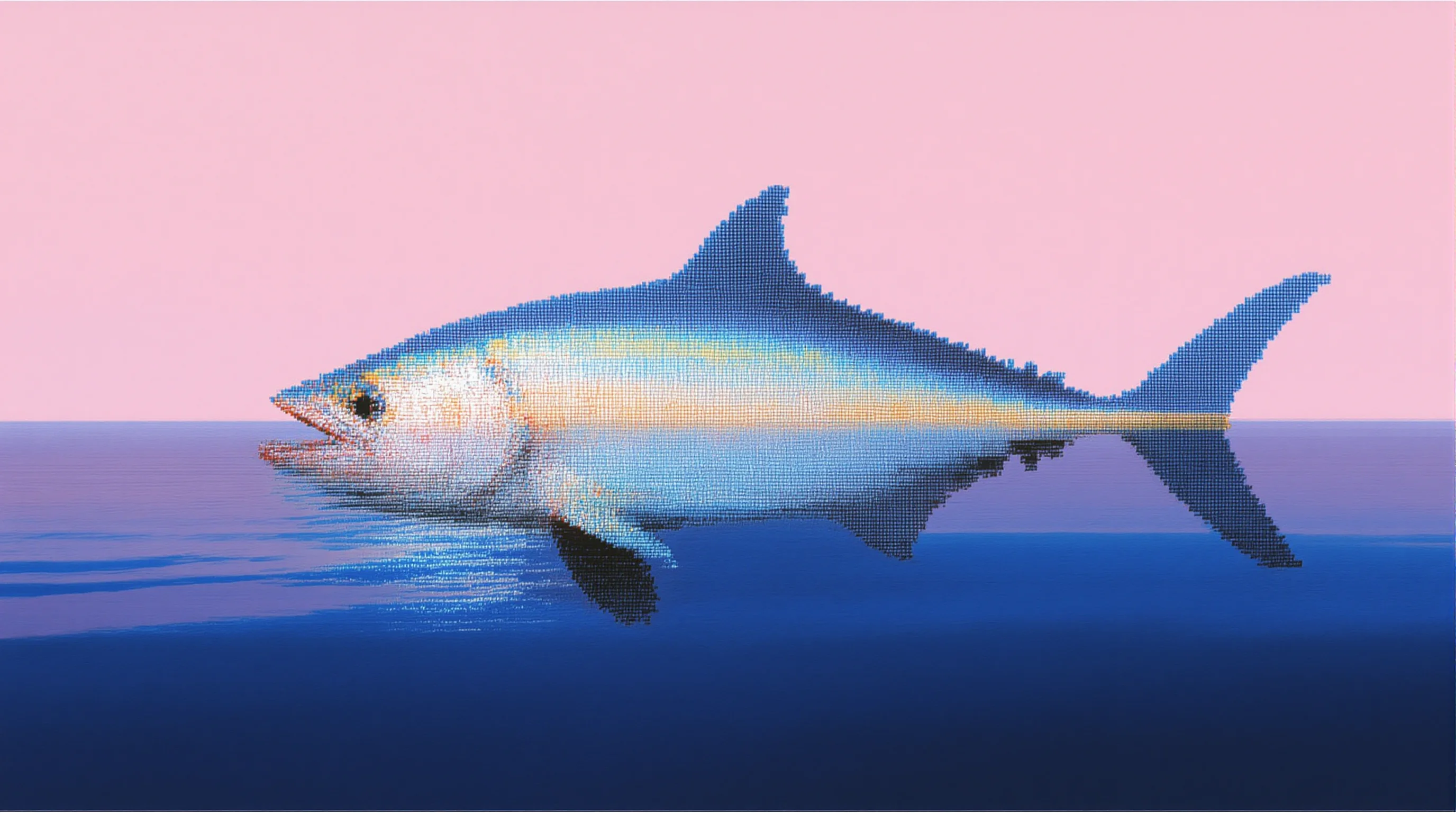
FLUX 2 MAX shines when you treat the prompt as a stack of decisions—not a bag of keywords. This guide walks through subject-first ordering, spatial language, and edit prompts that preserve lighting, with copy-paste examples you can run in UltraPix. You will learn how to front-load physical traits, map foreground and background, balance mixed styles, and recover from common iteration failures without vague rerolls.
Why prompt order matters on FLUX 2 MAX
Some generations look indistinguishable from photography; others miss the subject entirely. On FLUX 2 MAX, the gap usually comes down to prompt order: the model weights early phrases more heavily than trailing adjectives. That is why "photorealistic, 8K, dramatic lighting, red fox" under-specifies the animal, while "red fox with rust-colored fur and alert amber eyes, photorealistic, dramatic lighting" lands sharper ears, cleaner fur, and believable catchlights.
FLUX 2 MAX handles both text-to-image creation and image-to-image edits with spatial precision, but it does not expose classic negative prompts. You steer by describing what must appear—plain backgrounds, minimal accessories, centered compositions—rather than listing exclusions. Paste the subject block first, generate at a modest aspect ratio, then iterate one layer at a time (environment, lens, grade). Pair this guide with our photorealistic prompting habits and the prompt writing guide.
If you are choosing between flagship models, compare FLUX against reasoning-first options in GPT Image 2 vs Nano Banana 2 or jump to the AI image generator page to see which engines UltraPix exposes today.
Portrait and product teams feel this ordering effect fastest. A corporate headshot prompt that opens with "8K ultra-detailed studio photo" often smears skin texture and wardrobe folds. Reordering to "middle-aged executive with shoulder-length auburn hair, navy suit, confident expression, plain corporate background, minimal accessories, centered composition, soft key light camera-left" gives FLUX 2 MAX anchors it can keep stable across variations. The same reordering trick works for catalog shoes, beverage cans, and lifestyle extras where the hero SKU must stay readable at thumbnail size.
The four layers: subject, scene, camera, style
Build prompts in layers. Layer one is the subject with concrete physical traits—materials, expression, pose. Layer two adds environment and time of day. Layer three specifies lighting direction, focal length, and depth of field. Layer four anchors art direction with named references ("wildlife photography in the spirit of Frans Lanting" beats "professional photo style").
For multi-element scenes, map space explicitly: background, midground, foreground. Example pattern: a white castle on a hilltop in the background, a winding road in the foreground through wildflowers, morning mist at the hill base. The model receives compositional instructions it can validate while rendering.
When blending aesthetics, declare hierarchy: a cyberpunk street scene (dominant: neon-lit, rainy streets) with subtle ukiyo-e line work (secondary: palette and contour). Parenthetical weights reduce style collisions that flatten contrast or muddy palettes.
Think of each layer as a contract. Subject layer answers "what must I recognize instantly?" Scene layer answers "where is the camera standing?" Camera layer answers "how is depth shaped?" Style layer answers "what art history bucket applies?" Skipping a layer invites the model to improvise—fine for exploration, expensive when you are matching brand guidelines. On UltraPix, save successful layer stacks in Notes so you can reuse camera and lighting blocks while swapping only the subject line for campaign variants.
Image-to-image edits without losing the shot
FLUX-class edit prompts should name the region, the change, and the invariants. Spatial targeting works: "Change the car color in the foreground from red to metallic blue, maintaining all reflections and lighting." Preservation clauses matter: "Add a wooden side table next to the sofa, keeping the rest of the living room unchanged, maintaining consistent lighting." Style transfer stays composition-safe when you ask to "maintain original composition" while adopting a named painterly treatment.
In UltraPix, upload the base photo, switch to image-to-image, and paste only the edit sentence—do not rewrite the entire original prompt. For product workflows, follow Nano Banana Pro prompting patterns when you need legible label text, then upscale or relight in-app.
Style transfer edits benefit from naming the preservation scope explicitly: ask to keep pose, horizon line, and subject silhouette while adopting Monet-style impressionist brushwork and palette. Without that guardrail, FLUX may repose the subject or crop tighter than your ad safe zone allows. For localized color swaps, mention material class (metallic paint vs matte fabric) so reflections update believably instead of looking like a flat filter.
When results drift: quick fixes
Inconsistent subjects usually mean the prompt buried physical traits behind quality adjectives. Move hair color, wardrobe, expression, and prop list to the first sentence, regenerate once, and only then tune lighting. Weak composition often means missing spatial vocabulary—add foreground, midground, and background clauses even for simple landscapes so the model knows where to place visual weight.
Style drift happens when two aesthetics compete without hierarchy. Mark one style dominant and another secondary, or split the job across two generations and blend manually in UltraPix's edit mode. If typography matters more than painterly texture, route headline-heavy frames to Nano Banana Pro after you lock composition with FLUX stills.
Keep a personal checklist before you generate again: subject traits first, environment second, lens third, grade last; quotes around every string that must appear on-image; one edit dimension per image-to-image pass; smaller aspect ratio while exploring, native high resolution only for finals. That workflow mirrors how art directors brief set photographers—and it is the fastest way to make FLUX 2 MAX feel predictable in the editor.
Production-ready FLUX 2 MAX prompts
Use these prompts as starting points. Adjust aspect ratio in-app; keep quoted magazine text intact for typography stress tests.
Baroque sorceress (character + environment)
Prompt
A lavish, baroque-style image of a powerful sorceress in her arcane study. She is dressed in robes of deep emerald velvet embroidered with gold thread and shimmering beetle wings, holding a staff topped with a glowing, swirling galaxy trapped in a crystal orb. She stands before a massive oak desk covered in open grimoires with illuminated pages showing alchemical diagrams, bubbling potions in glass alembics, and a sleeping pseudodragon curled around a stack of scrolls. The room is filled with curiosities: shelves of leather-bound books, celestial globes, and dried magical herbs hanging from the ceiling. The lighting is chiaroscuro, from a large fireplace with green flames and a magical candelabra floating in mid-air. The brushwork is visible and textured, with rich, deep colors. The style is reminiscent of Rembrandt meets classic fantasy art.
Editorial cover with on-image type
Prompt
A high-fashion magazine cover featuring an android in an avant-garde geometric cloth dress, with logo prints. The backdrop is an eye-catching urban scenery. The title text 'FUTURE FASHION' spans the top in bold white serif font. Overlay text at the bottom right reads 'THE AGE OF AI' in a sleek, thin sans-serif font. Professionally lit with three-point lighting, shallow depth of field, shot on medium format digital camera.
Subject-first fox portrait
Prompt
A red fox with rust-colored fur and alert amber eyes, photorealistic, dramatic lighting, 8K resolution
Iterate cheaply, then commit resolution
Conceptual drafts are faster at smaller sizes; once composition locks, regenerate at the highest detail you need for delivery. Specific prompts reduce rerolls—one longer, structured paragraph usually beats several vague one-liners.
When results drift, fix one variable: swap lens language before you rewrite the subject, or adjust lighting before you change wardrobe. For dense typography, consider pairing FLUX stills with Nano Banana Pro on alternate passes, then compare in your camera roll.
Explore related reading: Nano Banana 2 reasoning guide, how to use Nano Banana Pro, and UltraPix.
Run these prompts in UltraPix
Paste a prompt and generate in seconds with text-to-image and image-to-image.

FAQ
- Does FLUX 2 MAX support negative prompts?
- No. Describe desired elements explicitly—plain backgrounds, centered subjects, minimal props—instead of listing exclusions.
- Can I run these FLUX prompts in UltraPix?
- Yes. Choose a FLUX-class or similarly detailed model in UltraPix, paste the prompt, and iterate with image-to-image when you need localized edits. Get UltraPix.
- Why put the subject before technical specs?
- FLUX 2 MAX prioritizes the opening words in your prompt. Physical subject details should precede resolution or quality adjectives for tighter adherence.
Get UltraPix
Download UltraPix to try text-to-image, background removal, and upscale in one app.