
GPT Image 2.5: Flare for speed, Sunburst for detail
OpenAI's GPT Image 2.5 ships as two tunings on many platforms: Flare as the everyday default with lower latency than GPT Image 2, and Sunburst when intricate detail must survive enlargement. Both handle text-to-image and editing with transparent PNG output when requested.
Flare vs Sunburst
Flare targets interactive and high-volume work: dashboards, marketing layouts, catalogue shots, and iterative editing where turnaround matters. Sunburst spends longer on a request to hold fine texture, wood grain, small type, complex diagrams, when the image will be viewed large.
Pricing on hosted platforms is often identical between variants; the trade-off is time versus micro-detail, not a separate SKU.
Made with GPT Image 2.5
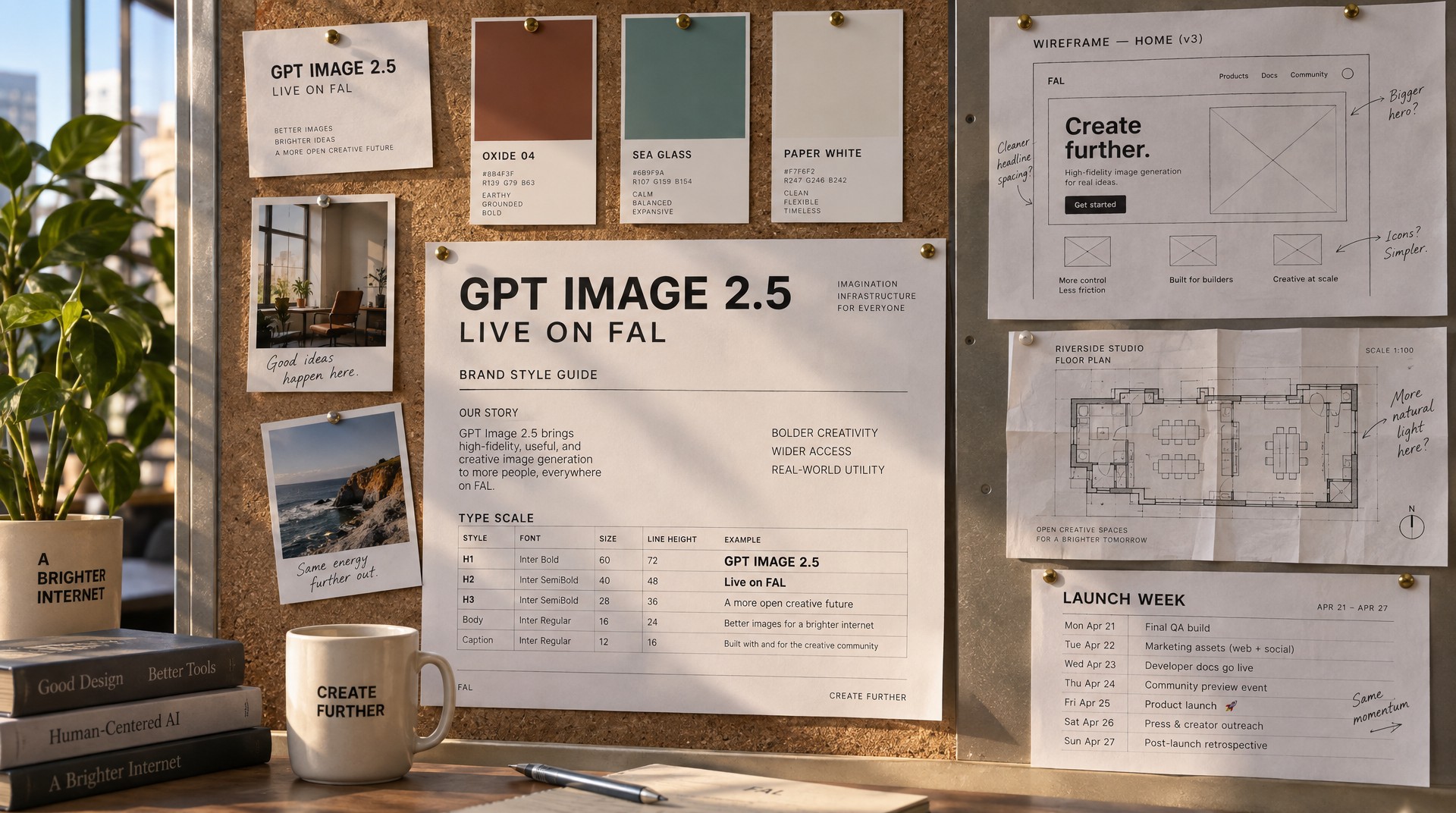
fal.ai's hero strip for Flare: a SaaS dashboard with legible stat tiles and a labelled chart, a transit map with station names and a legend, a candid studio portrait on 85mm at f/2, and a Swiss exhibition poster with a huge grotesk headline. Your prompt opens in the GPT Image 2.5 Flare playground from their page.
What creators use it for
- Interface and product design mocks with legible nav labels and chart titles.
- Editorial and poster layouts with hierarchy in display type.
- Technical illustration. labelled diagrams, charts, multi-column copy.
- Product and packaging with readable labels and alpha-channel cutouts.
- Photoreal scenes. portraits, food, architecture in one model family.
Quality settings typically span auto, low, medium, high, xhigh, and max; higher tiers increase detail and token use. Compare with Google's line in our GPT Image 2 vs Nano Banana 2 article.
Interface design
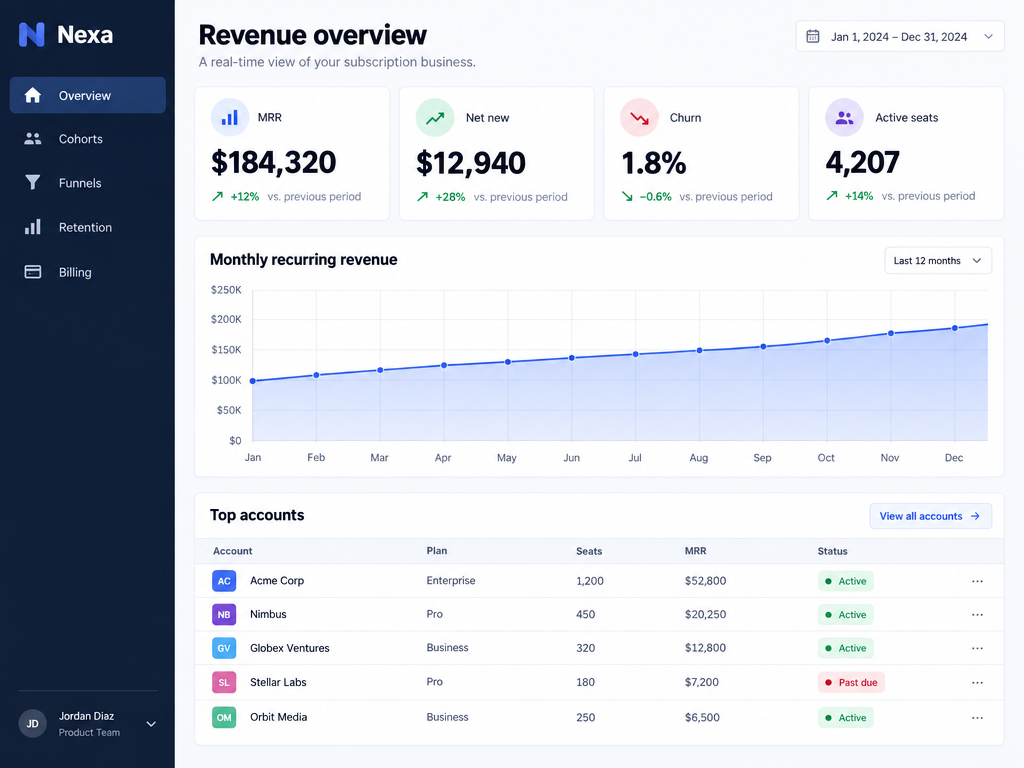
fal.ai groups this under “What you can make”: dense layouts that stay readable—navigation, plausible data, and legible labels so a direction can be judged as a design.
Prompt
A polished SaaS analytics dashboard filling the whole frame edge to edge, no browser chrome. A dark navy left sidebar with a small 'Nexa' wordmark and legible nav items 'Overview', 'Cohorts', 'Funnels', 'Retention', 'Billing'. Main area headed 'Revenue overview' with four stat tiles reading 'MRR $184,320', 'Net new $12,940', 'Churn 1.8%', 'Active seats 4,207', a wide area chart titled 'Monthly recurring revenue' with month labels Jan to Dec, and a table of five accounts with columns 'Account', 'Plan', 'Seats', 'MRR', 'Status'. Clean modern interface design, generous whitespace, one indigo accent, crisp legible typography
Information design
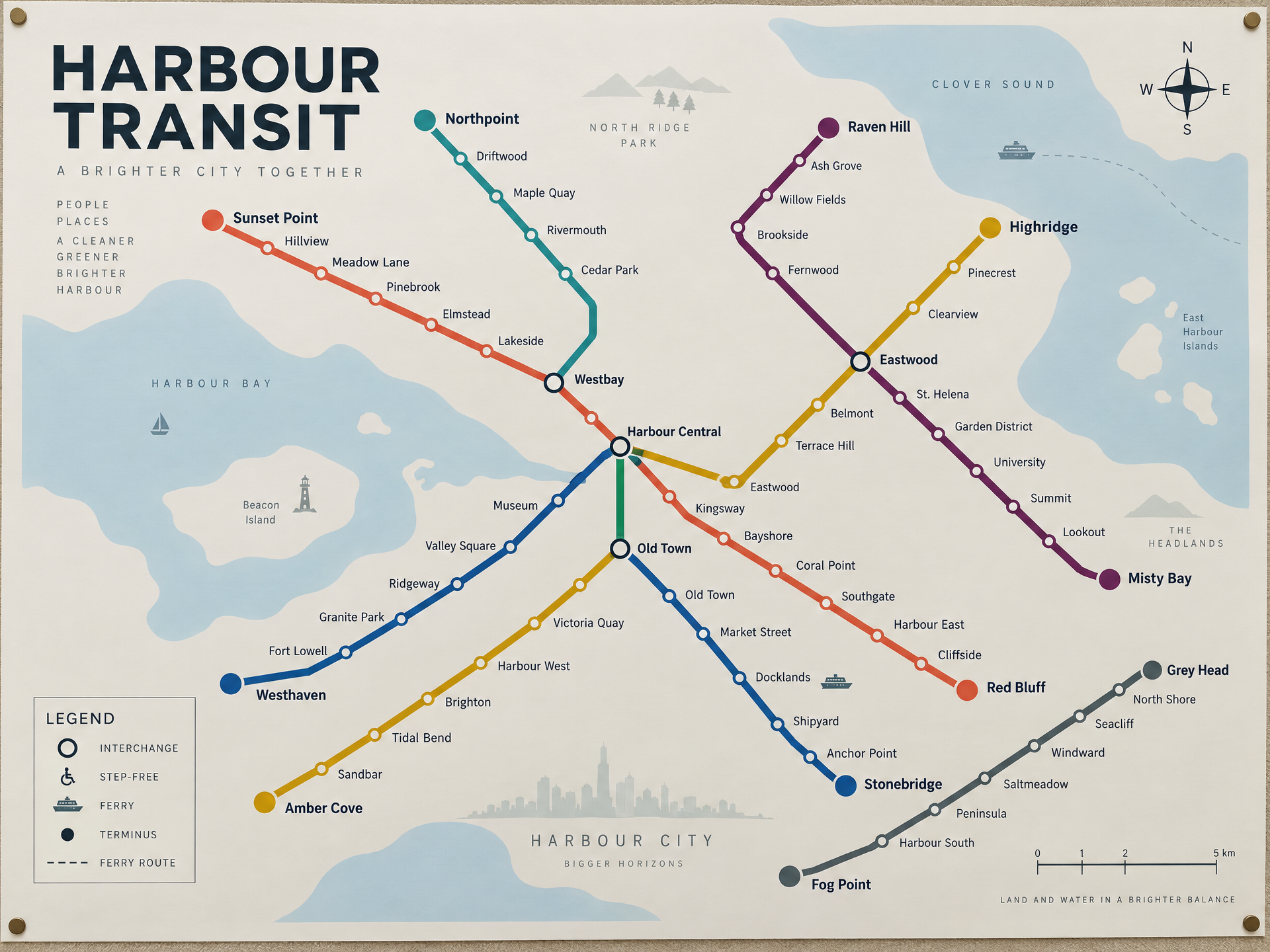
On fal.ai this illustrates “Dense layouts that stay readable”: six colour-coded routes, every station named, interchange markers, a keyed legend, a compass and a scale bar—all in one pass. Short label on their page: “A transit map with legible station names and a legend.”
Ready to try it?
Get it on Android and start creating in seconds.

Prompting GPT Image 2.5
Treat prompts like creative briefs: name subject, camera, light, materials, and exact quoted strings for type. For edits, change one instruction per round and say what must stay, furniture, layout, grade, while swapping upholstery, artwork, or time of day.
Pair this page with photorealistic AI image prompting and FLUX.2 Max prompt structure for cross-model vocabulary.
Portraiture
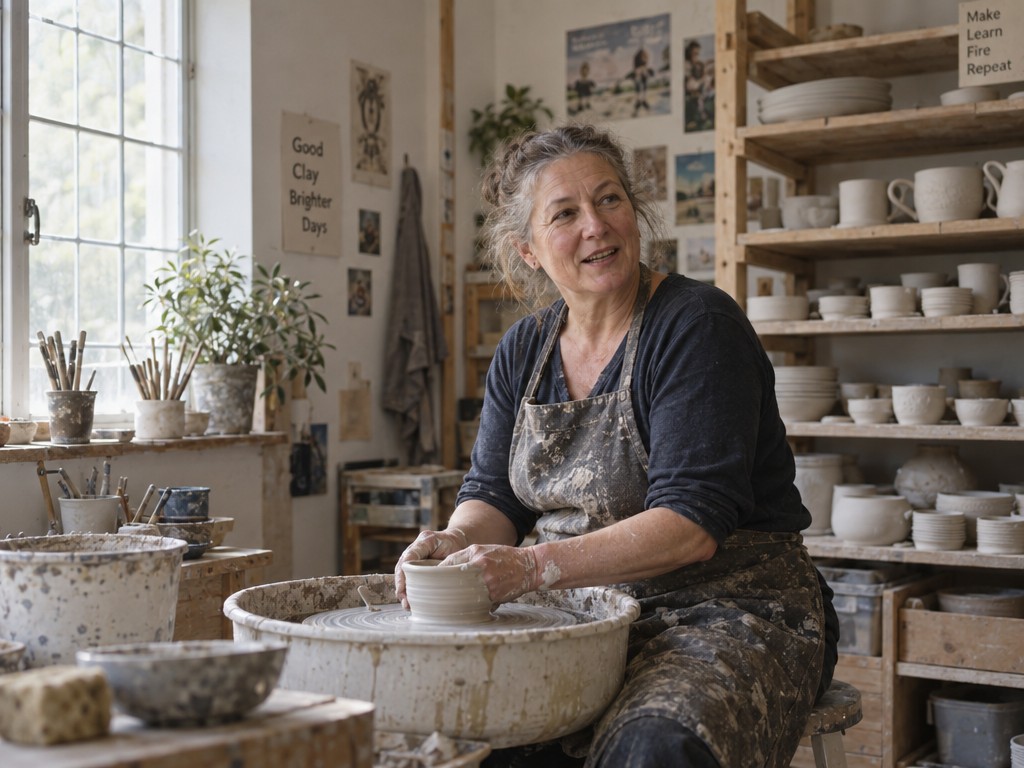
Example from fal.ai's “Eight unrelated briefs, one model” gallery—photoreal scenes in the same GPT Image 2.5 family.
Prompt
A photorealistic candid environmental portrait, landscape framing: a ceramicist in her fifties at her wheel in a sunlit studio, seen from the side with room around her, clay-dusted apron and forearms, greying hair tied back, laugh lines and visible skin texture, looking just off camera mid-conversation. Shelves of drying bisqueware fill the right of the frame, soft north light from a tall window on the left. Shot on 50mm at f/2.8, 35mm film colour
Graphic design
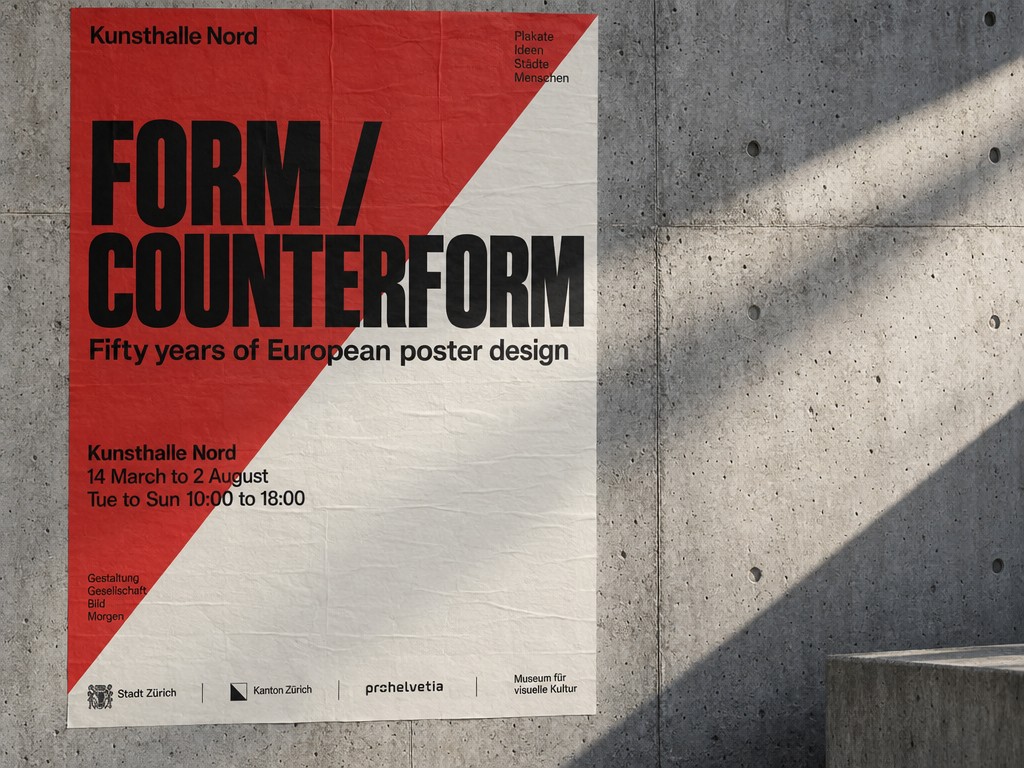
fal.ai uses this for poster and print mockups where oversized headlines, cover lines, and venue blocks must stay in hierarchy.
Prompt
A wide landscape photograph of a concrete gallery wall in raking side light, with a single Swiss-style exhibition poster pasted flat and fully visible in the left two thirds of the frame. The poster is split diagonally in signal red and bone white, with a huge grotesk headline reading 'FORM / COUNTERFORM', a subhead 'Fifty years of European poster design', a legible venue block reading 'Kunsthalle Nord / 14 March to 2 August / Tue to Sun 10:00 to 18:00', and a small sponsor row along its bottom edge
Editing and transparency
Edit mode accepts an input still plus a delta instruction. Successful edits name immovable elements first, geometry, camera angle, color grade, then the single change.
Transparent PNG output matters for ecommerce compositing. Request alpha-friendly backgrounds in the prompt when the host maps that to API parameters.
For packaging, specify label text verbatim; Sunburst tuning helps when regulators or clients zoom into ingredient lists.
Three rounds, one thing changed each time
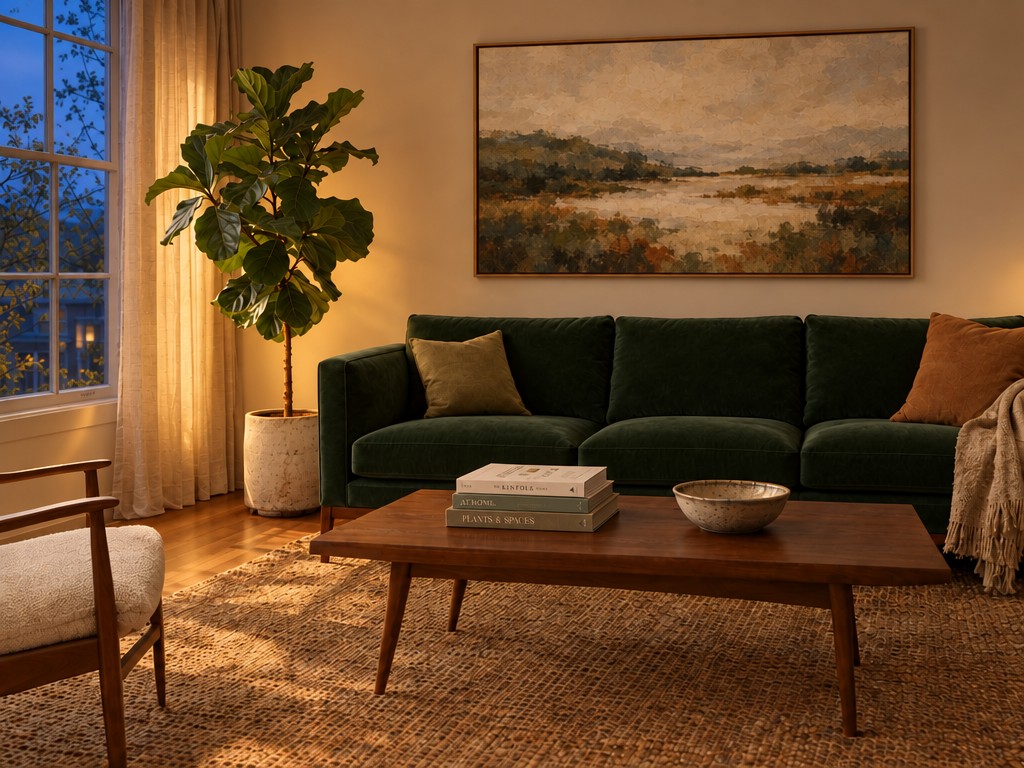
Each frame is the previous frame sent back through openai/gpt-image-2.5/flare/edit with a new instruction. fal.ai notes the furniture, rug, and framing carry through while one thing changes per pass. Generated with flare/edit at high quality; instructions reproduced verbatim on their page.
Prompt
Round 1 — Reupholster the sofa in a deep forest green velvet. Change nothing else in the room.

Round 2 — Hang a large framed abstract landscape print on the bare wall above the sofa. Leave the rest of the room exactly as it is.

Round 3 — Change the time of day to evening: warm lamplight inside, blue dusk through the window. Keep the furniture, the artwork and the layout identical.
Cutouts straight out of the API
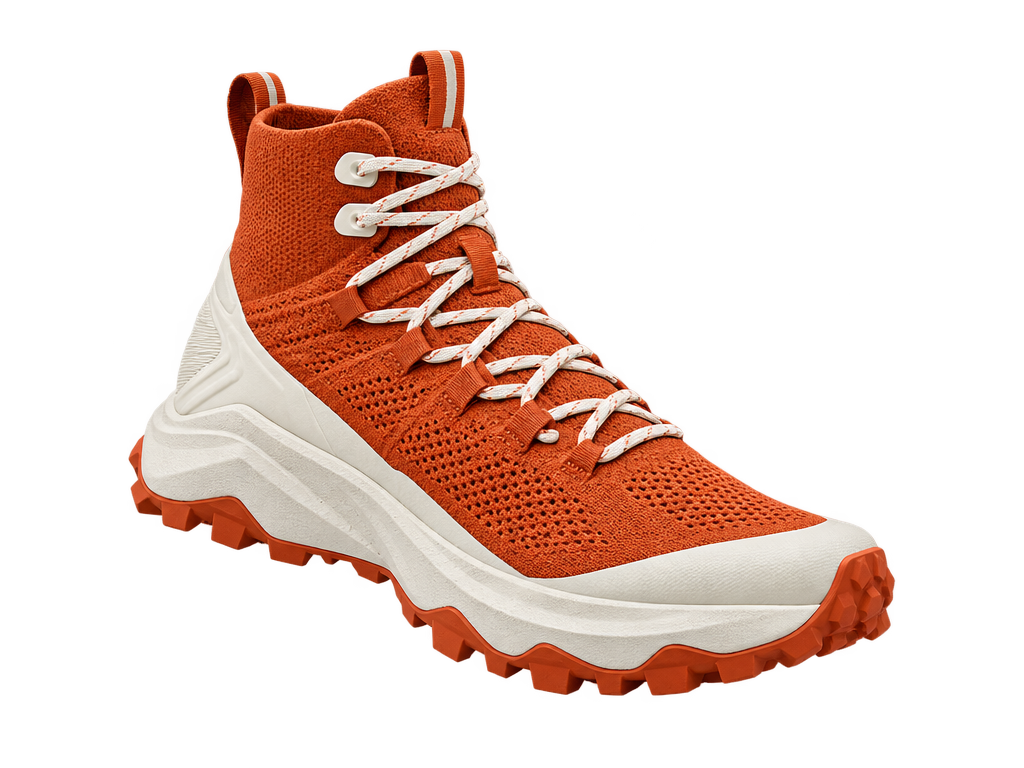
fal.ai: set background to transparent with PNG or WebP and the model returns a real alpha channel—product shots and icons drop onto a layout with no rotoscoping step.
Prompt
A clean e-commerce product photograph on a seamless white background, landscape framing with generous space around the products: an amber glass apothecary bottle with a matte black pump, its label legible and reading 'NORTHBOUND / facial oil / rosehip + sea buckthorn / 30 ml', shown beside its folded card carton printed with the same wordmark and a small ingredient list. Even soft studio lighting, faint contact shadow, catalogue-ready
Ready to try it?
Get it on Android and start creating in seconds.
When to pick Flare vs Sunburst
Choose Flare for chatty iteration: storyboards, mood boards, and ten variations before lunch.
Choose Sunburst when the asset will be cropped tight on texture, fabric weave, hair strands, engraved type, or printed larger than a phone screen.
If latency is equal on your host, default Flare and escalate only the finals to Sunburst to manage spend.
Sharp enough to look at closely
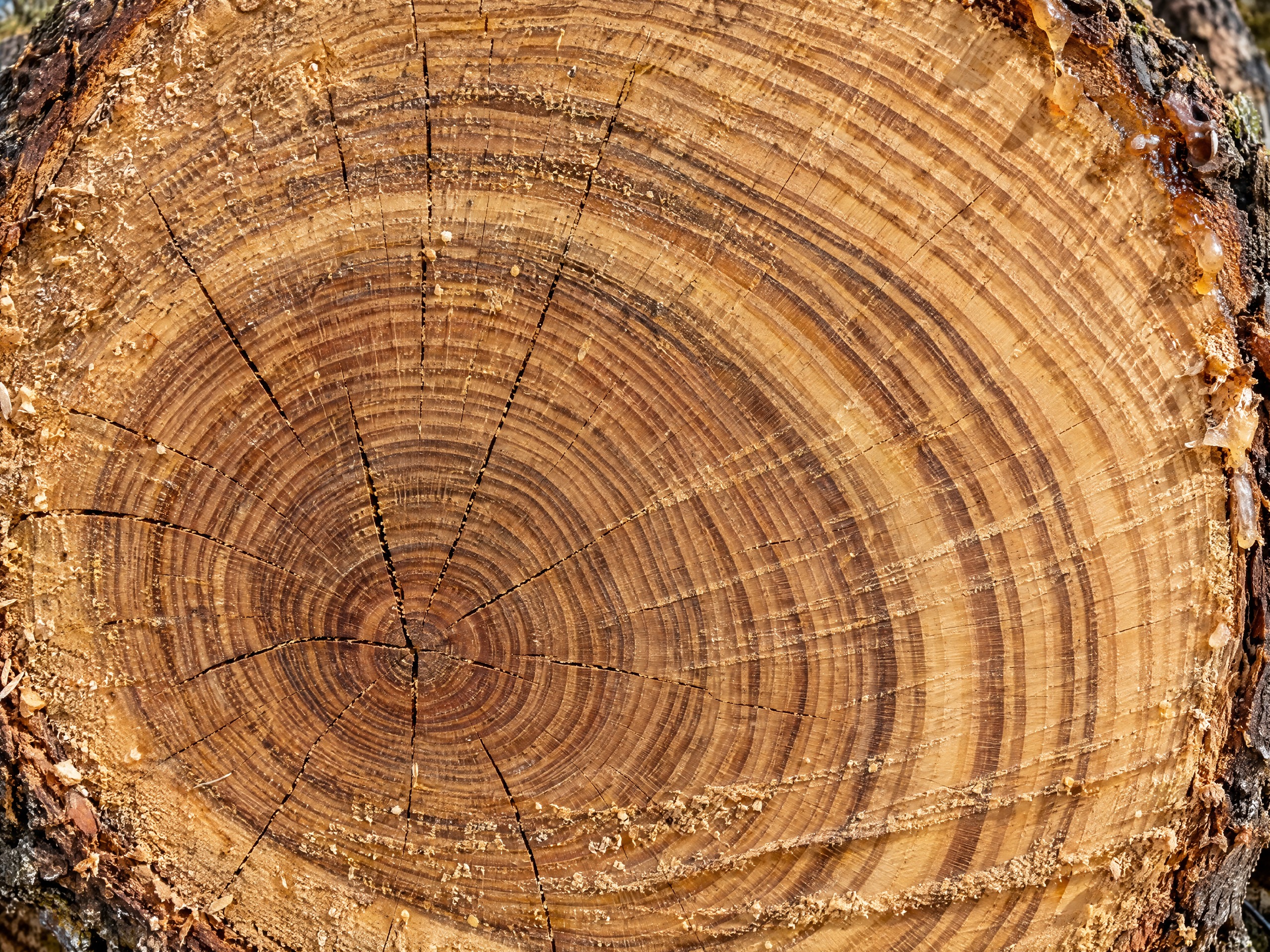
fal.ai recommends Sunburst when the image will be viewed large. This sample is described as an extreme macro of oak growth rings at 3072px on xhigh—decades of rings stay separate toward the pith, with radial checks and sap at the bark edge.
Run prompts in UltraPix
UltraPix supports creation on Android: generate, remove backgrounds, upscale, and iterate img2img. Get UltraPix and paste prompts from our blog posts.
Pair with the Nano Banana comparison, Nano Banana Pro overview, and photoreal vocabulary from our photoreal guide.
Ready to try it?
Get it on Android and start creating in seconds.
How hosts expose GPT Image 2.5
Creative APIs typically map Flare and Sunburst to separate model IDs with identical per-image pricing. Quality tiers (low through max) further adjust detail and token use on the same variant.
Batch and async endpoints suit catalogue refreshes; realtime endpoints suit chat UIs. Mobile apps like UltraPix usually queue jobs like async APIs, expect seconds, not milliseconds.
Check output format flags when you need alpha: PNG and WebP support transparency on OpenAI-compatible hosts; JPEG does not.
OpenAI’s public materials emphasize instruction following for edits, long briefs work when structured, not when contradictory.
GPT Image 2.5 checklist
Default Flare for iteration; Sunburst for finals with fine type or texture.
Request transparent PNG when compositing ecommerce layers.
Lock layout language before swapping materials or time of day.
Use max quality only on assets that will be cropped tight.
Compare against Nano Banana Pro when typography misfires.
Run approved prompts in UltraPix on Android for delivery to clients.
FAQ
- What is GPT Image 2.5?
- GPT Image 2.5 is OpenAI's image model offered as Flare (default, faster) and Sunburst (extra detail), each with text-to-image and edit modes on supported platforms.
- Does GPT Image 2.5 support transparent backgrounds?
- Yes on hosts that expose background=transparent with PNG or WebP output, returning a real alpha channel for compositing.
- Can I use GPT Image 2.5 prompts inside UltraPix?
- Yes. Brief-style prompts from OpenAI-hosted docs translate well to UltraPix on Android. The underlying model name in-app may differ; focus on subject, quoted type, and single-step edit instructions.
Get UltraPix
Download the app on Google Play to try text-to-image, background removal, and upscale on your phone.