
AI photo upscaler for Android
UltraPix includes an AI photo upscaler for Android so you can upscale AI art toward higher export sizes, improve low resolution AI images, and sharpen AI-generated photos when your plan unlocks 4K or 8K upscale. Results depend on the source file and model limits in the app.
What is AI upscaling?
Traditional resize stretches pixels and looks soft. AI models predict detail so edges stay cleaner at 2x or 4x scale, useful when you need to increase image resolution for uploads without throwing away composition.
Use upscale to enhance blurry portraits with AI when the face was in focus in the original, and to sharpen AI-generated photos after text-to-image before posting.
Results depend on the source. A sharp 1 MP image upscales better than a heavy JPEG from a screenshot.
Upscale is not the same as denoise. Heavy grain from low light may turn into waxy skin if you push scale too far, fix exposure first when possible.
Super-resolution models infer texture; they cannot invent authentic text or logos. Regenerate packaging shots with quoted type instead of upscaling illegible labels.
Compare native export sizes from your generator before upscaling, some models already output 1536 px or 2048 px on the long edge, which is enough for many social placements without extra credits.
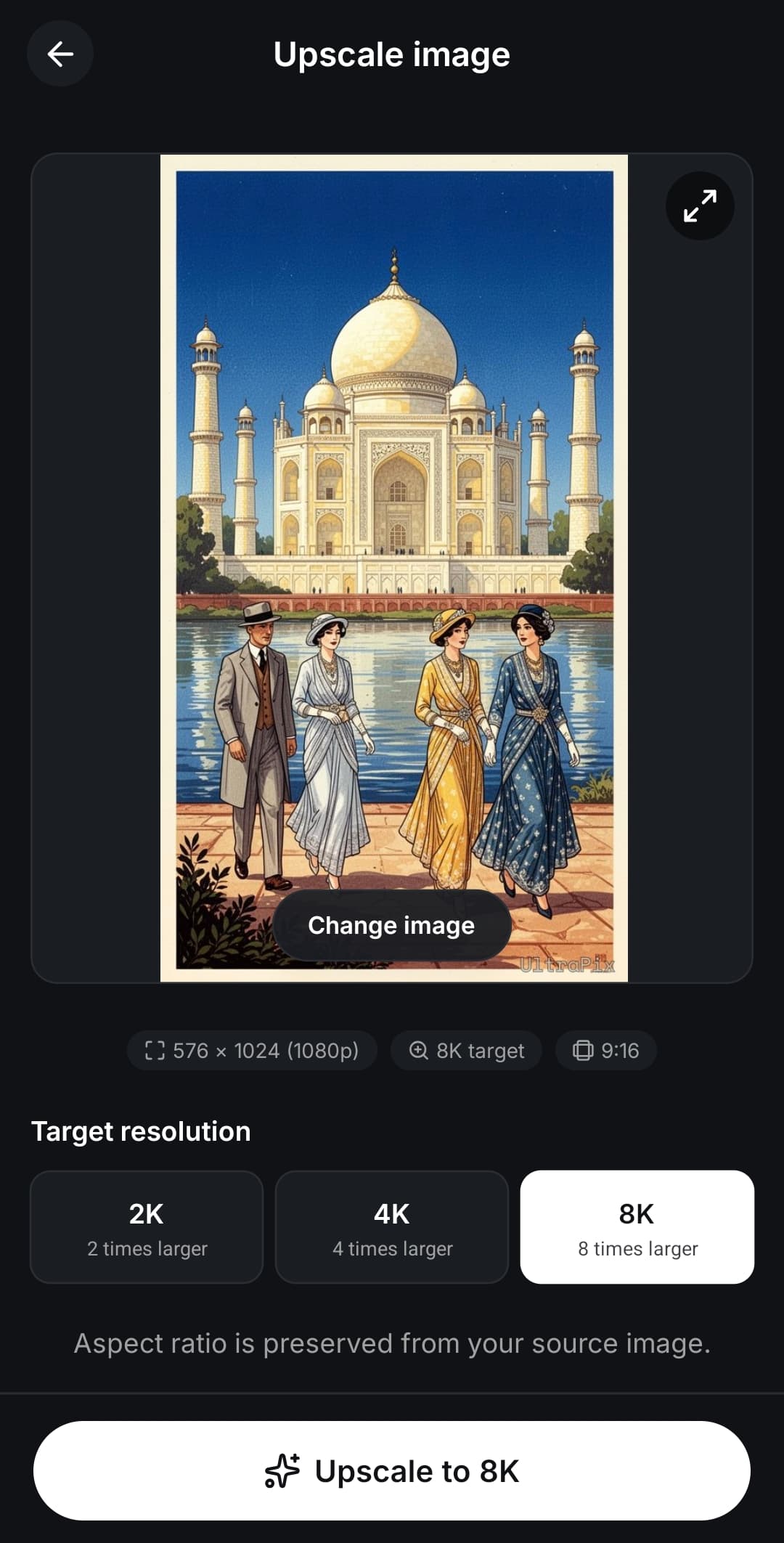
When to use upscale in UltraPix
Use upscale after generation if you need a larger export for Stories or print mockups.
Use it on camera photos when you cropped tight and need more pixels for upload requirements.
Pair with background removal when a marketplace rejects soft product edges: cut out first, then upscale the subject layer before placing on white.
Ready to try it?
Get it on Android and start creating in seconds.

Suggested workflow
Keep the original file in your camera roll. Upscale creates a new derivative; you may want both for A/B tests.
Generate at the aspect ratio you need first, then upscale once. Chaining multiple upscale jobs rarely beats fixing the prompt or reference photo.
Read photorealistic prompting if portraits look plastic after upscale, the source generation may need sharper lens language.
What AI upscale cannot fix
It cannot recover faces that were never in focus. Extreme blur or tiny source files may still look artificial.
Always keep the original file if you need to re-edit later.
Text smaller than a few pixels in the source will not become magically readable, regenerate with quoted type at a higher base resolution instead.
Ready to try it?
Get it on Android and start creating in seconds.
Upscale checklist
Keep the pre-upscale original; never overwrite your only copy.
Upscale once per derivative unless the app explicitly recommends a second pass.
Fix prompt or lighting in generation before upscaling soft AI output.
Match export aspect to the placement, Story, feed, print, before scaling.
Reject waxy skin textures; lower scale or regenerate instead.
Log credit spend per upscale batch for client billing if you freelance.
Related tools
More AI tools in UltraPix on Android, browse as a guest, sign in to generate and save.
FAQ
- How much can UltraPix upscale?
- Maximum scale depends on the model and your plan. The app shows available options before you confirm a job.
- Does upscaling use credits?
- Yes. Each upscale job deducts credits like other AI tools in the app.
- Should I upscale before or after background removal?
- Often cut out first so the model focuses on subject edges, then upscale the PNG if marketplaces require more pixels. If the subject is already sharp and the background stays, upscale the full frame once to preserve ambient lighting continuity.
Get UltraPix
Download the app on Google Play to try text-to-image, background removal, and upscale on your phone.
Social vs print targets
Instagram and TikTok rarely need more than 2048 px on the long edge. Upscale when you cropped aggressively, not by default on every export.
Print mockups and pitch decks benefit from 4K stills when the AI model supports them upstream; upscale is a backup when you only have a 1024 px generation.
Screenshots from other apps compress aggressively, avoid upscaling them twice. Re-export from the original generator when possible.
Compare before/after at 100% zoom on desktop before sending a client proof; phone previews hide sharpening halos.