

Creators and social media
Draft feed posts, stories, thumbnails, and avatar art from text—then iterate with image-to-image before you publish.
Limited-time intro offer · $1.99 once
Up to 25 AI images · in-app purchase
✨ AI IMAGE GENERATOR
Create social posts, product shots, and ad concepts on Android. Turn ideas into digital art with text-to-image and image-to-image, explore creative styles, and generate original images with UltraPix.



Use cases
From TikTok drafts to Amazon mains and paid social concepts—generate, edit, cut out, and upscale in one Android app.
Draft feed posts, stories, thumbnails, and avatar art from text—then iterate with image-to-image before you publish.
Generate packshots and lifestyle scenes, cut out backgrounds for Amazon or Shopify templates, and upscale for zoomed previews.
Explore Meta, Instagram, and display layouts with safe zones for headlines—pair with our ad prompt cheatsheets on the blog.
Mock up logos, posters, and pitch decks on your phone without a full design team—export when the brief reads right.
Turn a selfie into stylized avatars or polished headshots, then remove busy backgrounds for LinkedIn or creator profiles.
Relight, restyle, or sharpen existing photos—upscale exports when you need cleaner detail for print or cropping.
Core features
Text-to-image and image-to-image on Android for creators, shops, and marketers—create AI art from prompts, edit photos, remove backgrounds, and upscale in one app gallery.
Text to image AI
Type what you want, portraits, product shots, thumbnails, or full art styles. UltraPix is an AI image generator that turns prompts into finished images on your phone.
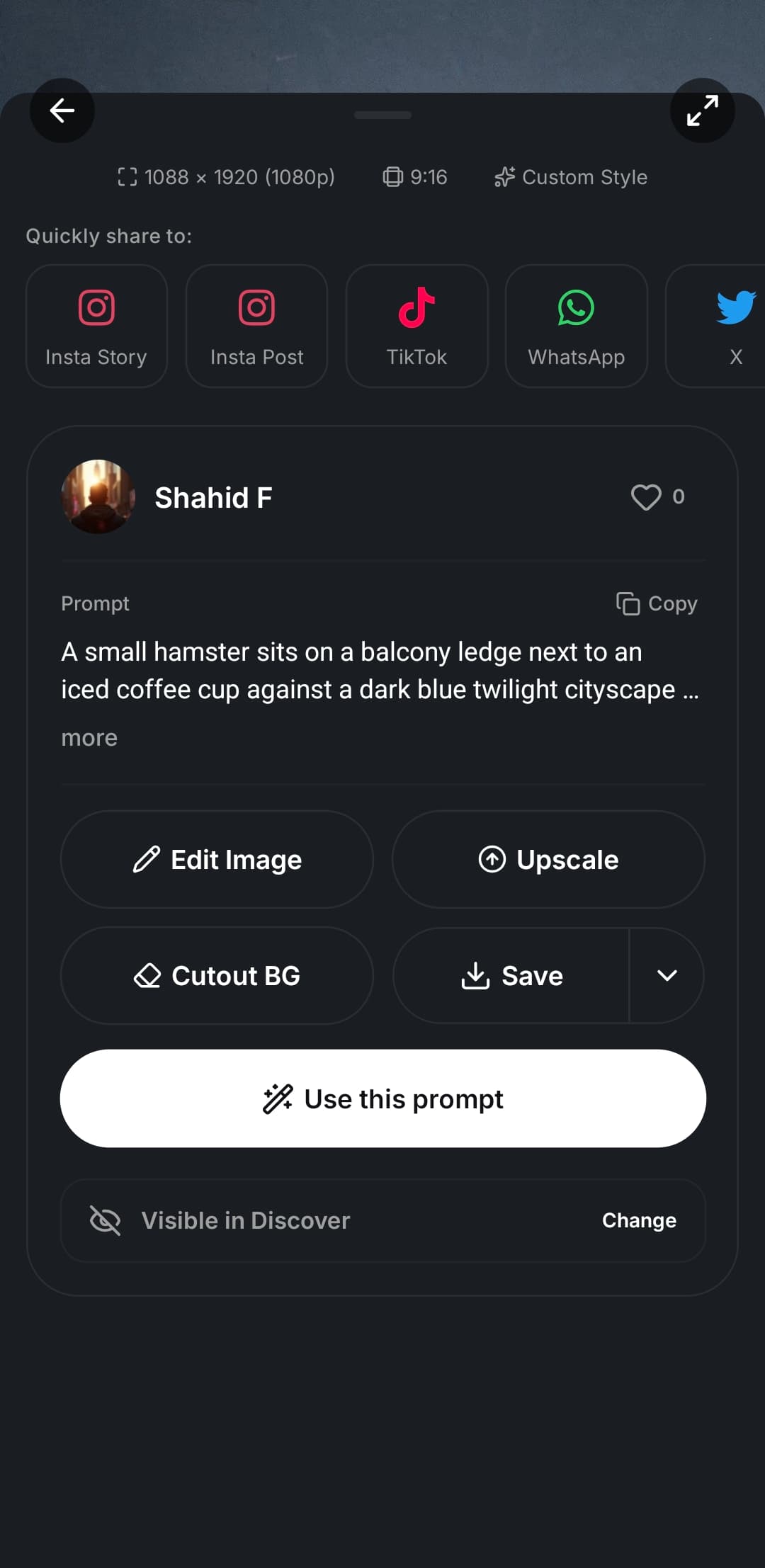
Image to image AI
Upload a reference photo and remix it with image to image AI, new lighting, new styles, new compositions, while keeping the subject that matters.
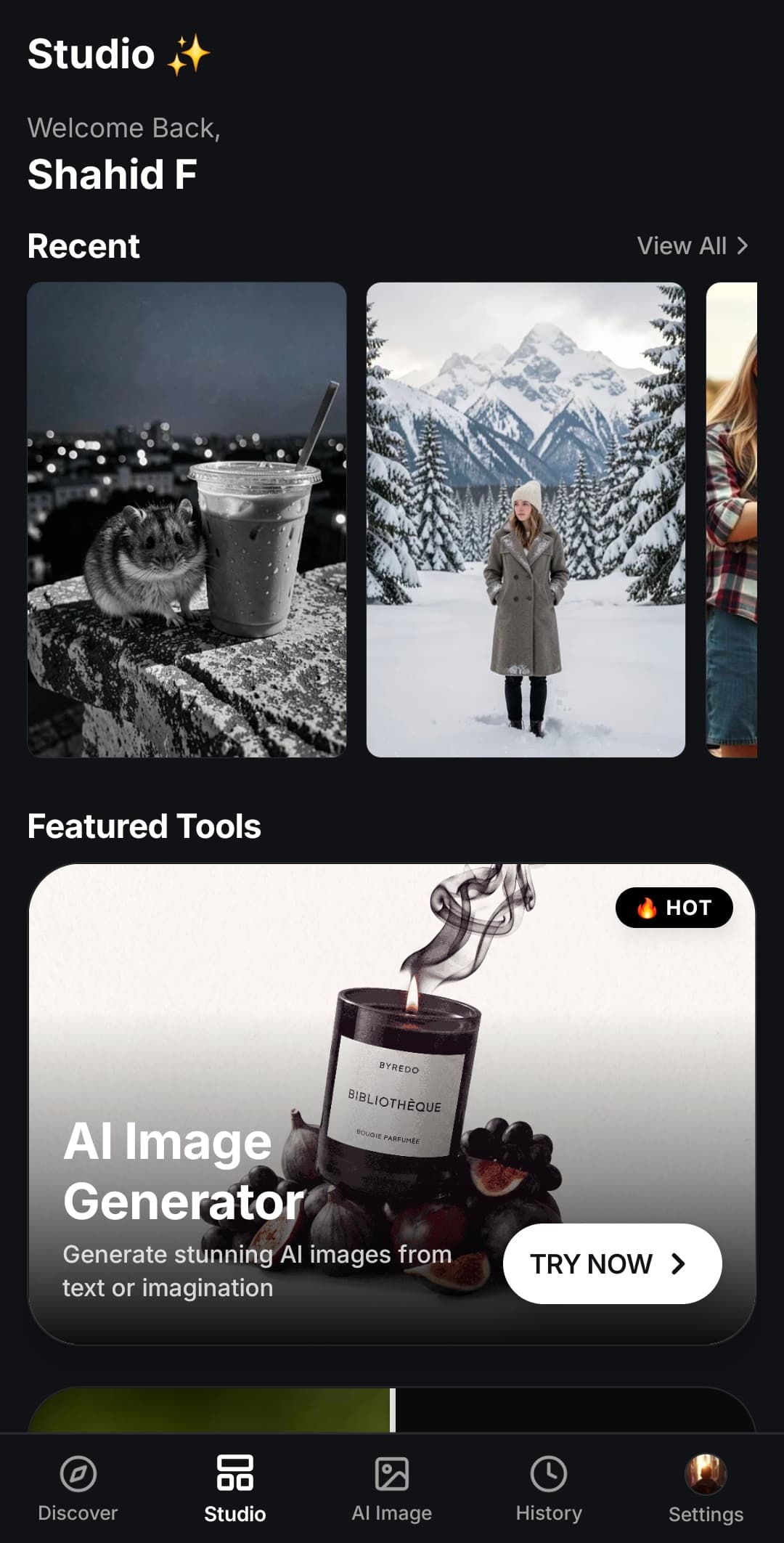
AI photo editor
Use the built-in AI photo editor for background removal, cutout cleanup, and touch-ups, or open the AI image upscaler when you need a sharper export.
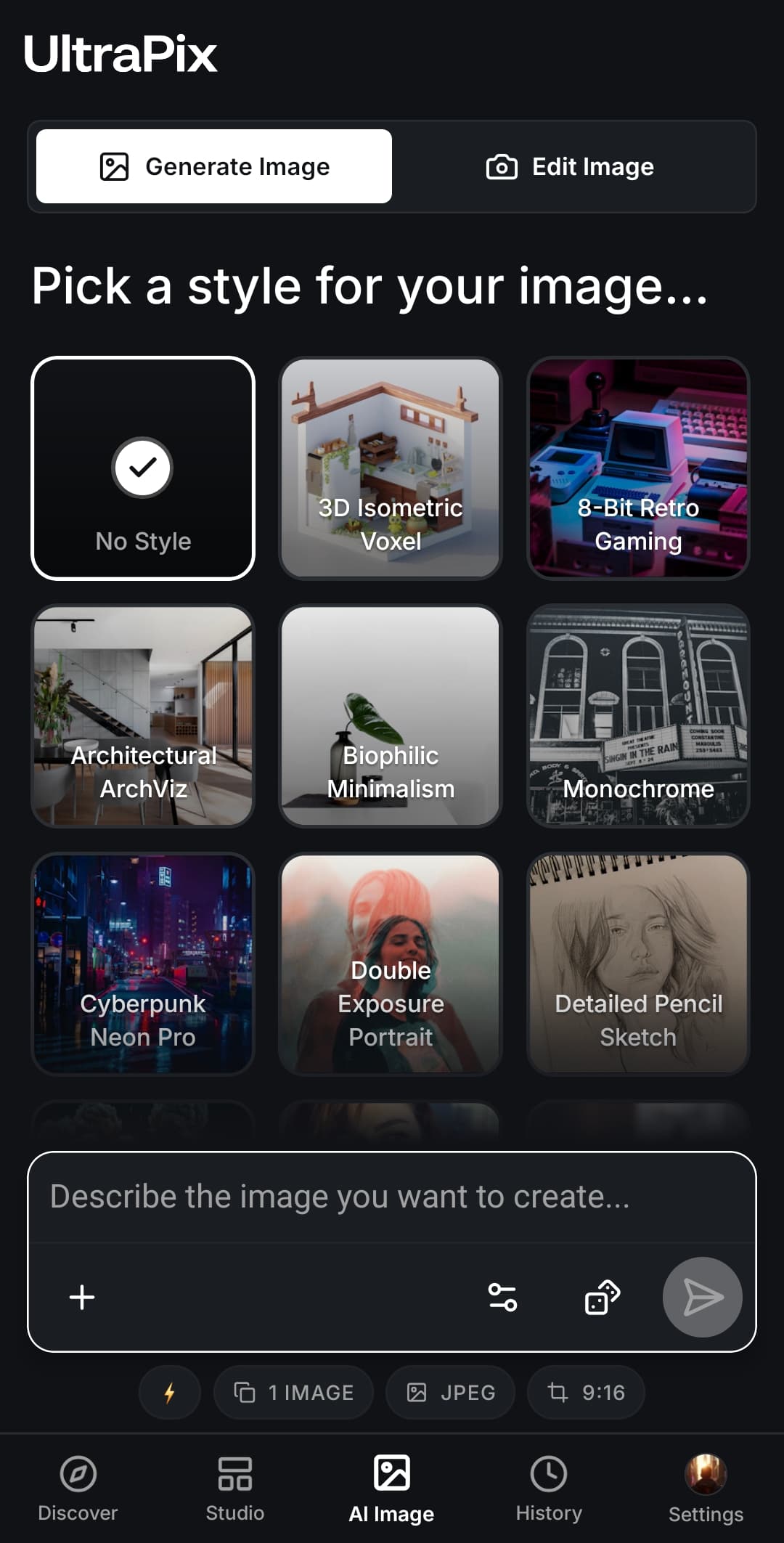
Creative styles
Explore cinematic, realistic, anime, 3D, illustration, and more, switch styles until the image matches your vision.
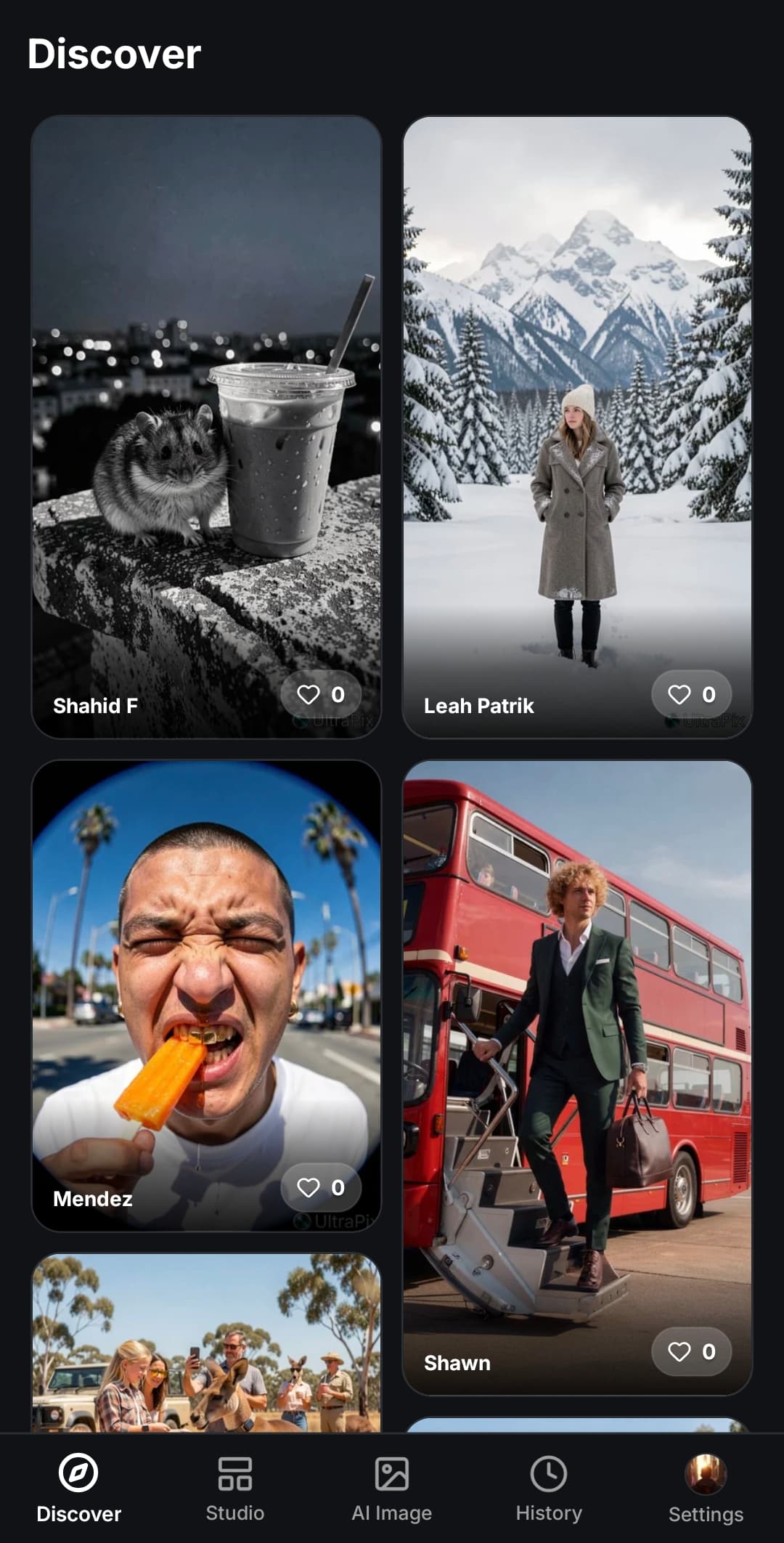
Visual showcase
Real AI images and text prompts from the UltraPix community. Browse ideas, copy a prompt, and generate in the app.
Open the full AI prompt gallery for more searchable examples.
How it works
Use text to image AI in the app: write your idea, generate, then download or share. No desktop software needed.
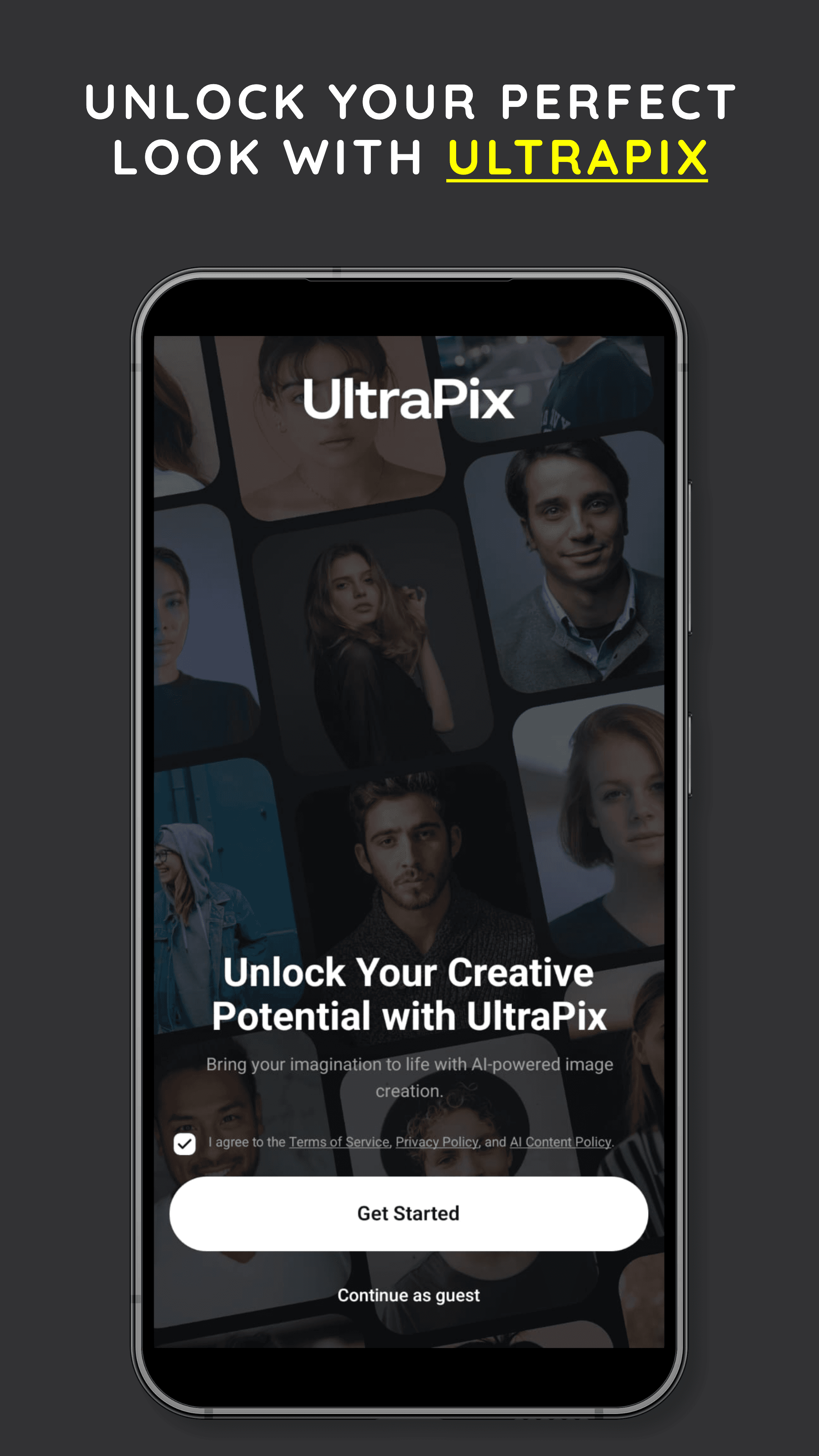
Describe what you want to create. Add a reference image or pick a style to point the AI in the right direction.
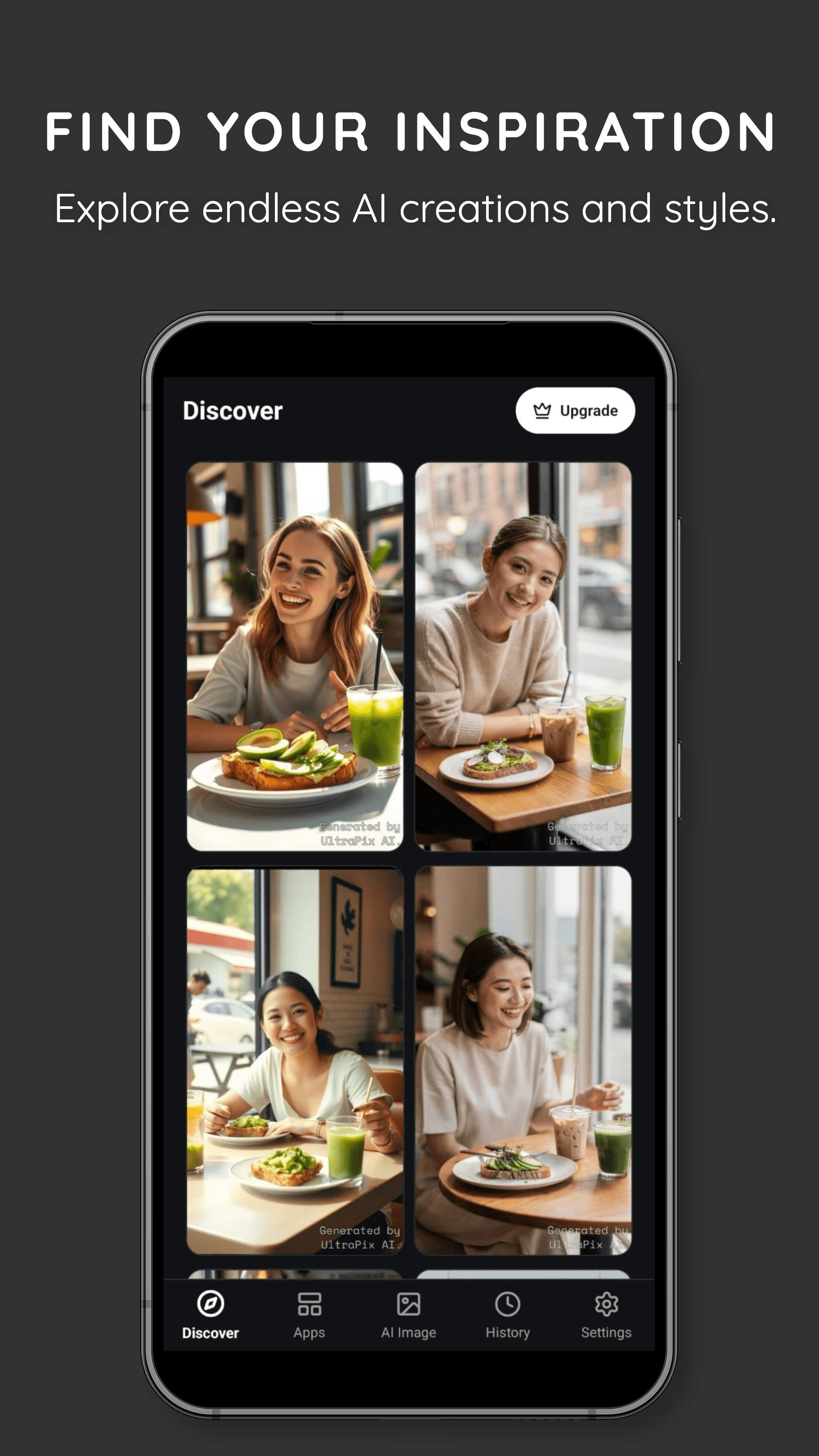
Let UltraPix turn your prompt into an image. Adjust style, aspect ratio, and quality until it's right.
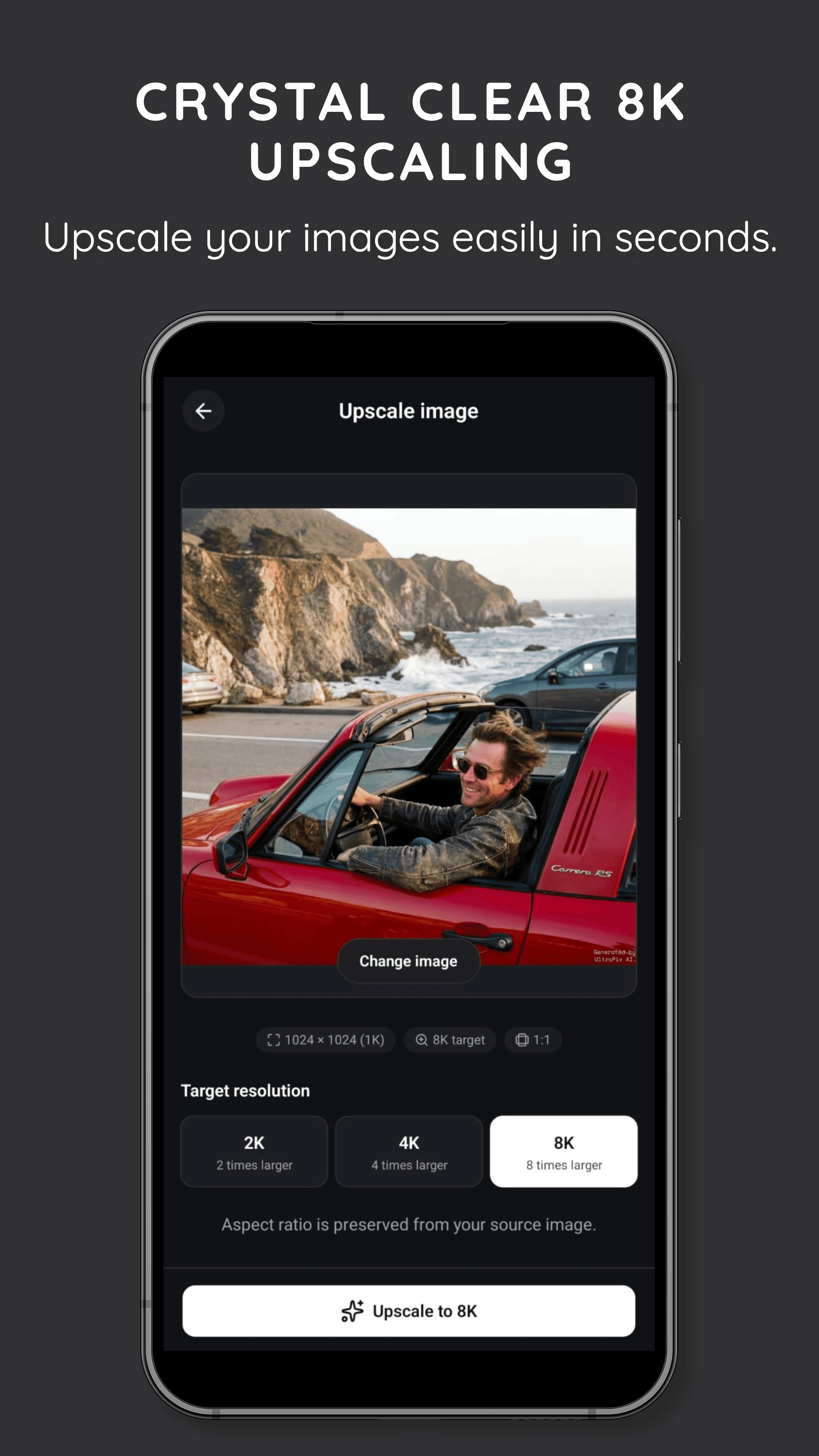
Download your creation or keep experimenting. Everything stays in your gallery so you can edit again later.
We're building the next generation of UltraPix: AI-powered video creation from text and images. Turn an idea into a scene. Turn an image into motion.
Short-form AI motion clips are on the way.
Describe a scene and bring it to life with motion.
Coming SoonStart with your image and add motion.
Coming SoonDownload the app to get started. Upgrade when you need more. All plans are in-app purchases only (App Store or Google Play). This page does not checkout on the web.
Reference prices below are in USD ($). Your store shows the exact amount in your local currency when you buy inside the app.
Up to 50 AI images per week
$7.99per week
Up to 210 AI images per month
$19.99per month
≈ $4.61/week
$34.62Save 42%
Up to 2,250 AI images per year
$179per year
≈ $14.92/month
$239.88Save 25%
Auto-renews through Apple or Google after in-app purchase. Cancel anytime in your store account settings.
Image counts are estimates for standard generation. Premium tools and upscaling use more of your plan allowance. Weekly and monthly equivalents are normalized from the listed billing price — you are always billed at the interval shown.
| Plan | Price | Standard images | Premium edits |
|---|---|---|---|
| Premium One-Time Starter | $1.99 once | Up to 25 | Up to 4 |
| Creator Weekly | $7.99/week | Up to 50 | Up to 8 |
| Pro MonthlyMost popular | $19.99/month | Up to 210 | Up to 35 |
| Studio Yearly | $179/year | Up to 2,250 | Up to 375 |
One-time starter packs and credit top-ups are available in the app only, not sold on this website. Download the app to buy; the in-app paywall is the source of truth for price and availability.
Straight answers about UltraPix, pricing and credits, plus what's coming next with AI Video.
Get it on Google Play
Download the AI image generator app for Android and start with text to image AI, image to image AI, and the built-in AI photo editor.


