Turn a photo into AI art
Use UltraPix on Android to convert a selfie or camera roll shot into digital art. Combine image-to-image with prompts for cartoon profile pictures, anime portraits, or fantasy scenes when those styles are supported in the app.
Photo to AI art workflow
Upload a photo, then describe the change: “studio Ghibli-inspired illustration, soft cel shading” or “bold comic ink lines, limited palette.”
Lock what should stay the same—face angle, hair part, glasses—so the model edits style instead of identity when possible.
Beginners can start from text-to-image prompt patterns without a reference, then switch to image-to-image once you like a composition.
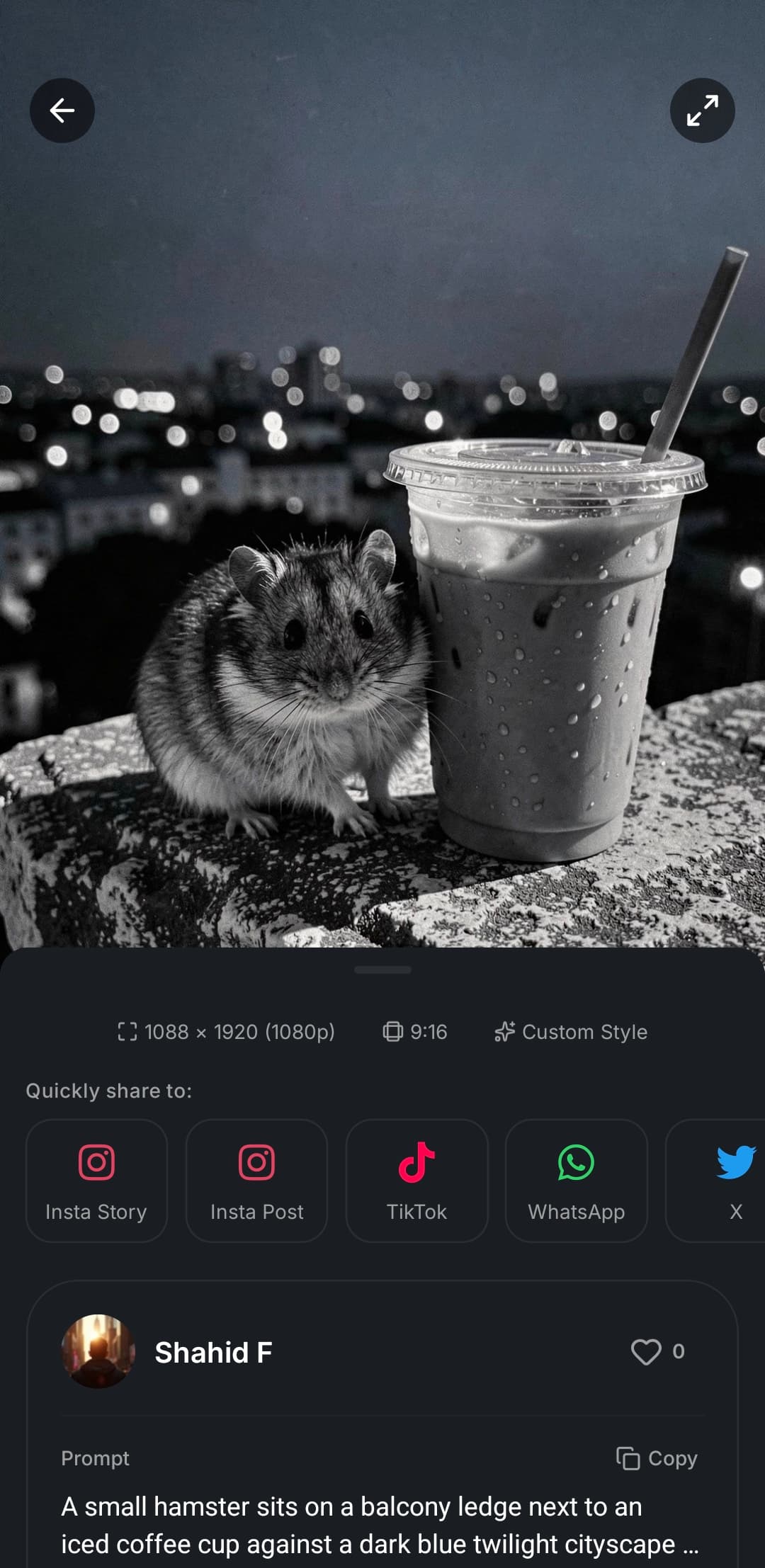
Cartoon, anime, and illustration
Cartoon and anime portrait generators in mobile apps usually mean style presets plus prompt wording, not a single filter tap.
Fantasy art from text works when you generate a new scene from scratch; add your photo when you want the subject to match a reference.
An AI illustration generator for beginners should still name lighting and medium; short clear phrases beat long paragraphs on phone keyboards.
Ready to try it?
Get it on Android and start creating in seconds.

FAQ
- Can I make a cartoon profile picture from a selfie?
- Yes. Upload the selfie in UltraPix, pick a style preset if available, and describe cartoon or comic art direction in the prompt.
- Does UltraPix include an AI anime portrait generator from photo?
- Anime-style results come from prompts and presets together. Open the style list in your app version to confirm which anime or illustration looks are live.
- Is this only image-to-image?
- No. You can create fantasy art from text alone or remix an existing photo. Both use credits according to your plan.
Get UltraPix
Download the app on Google Play to try text-to-image, background removal, and upscale on your phone.